

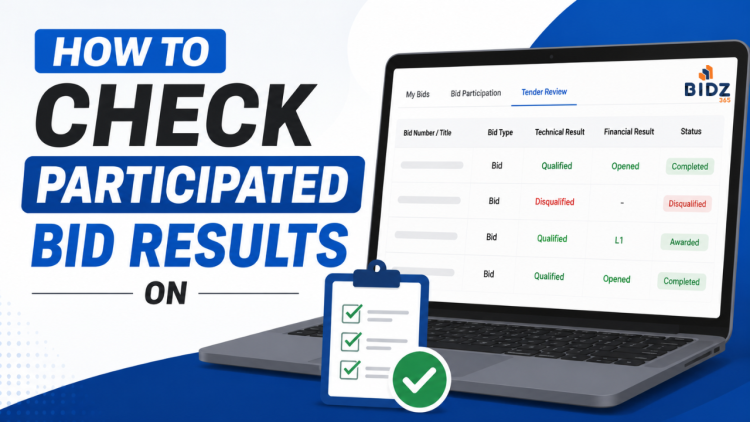
After submitting a bid on the Government e-Marketplace (GeM), many sellers assume their work is complete. In reality, the most important stage begins after bid submission.
Buyers may request clarifications, convert the bid into a Reverse Auction (RA), ask sellers to extend bid validity, or even disqualify bidders due to document or compliance issues.
Missing any of these updates can directly result in losing a government order.
This guide explains everything you need to monitor after participating in a GeM bid.
Why You Should Regularly Check Participated Bids
After bid submission, the buyer may perform several actions before awarding the contract.
These include:
- Requesting document clarifications
- Sending technical evaluation updates
- Converting the bid into Reverse Auction (RA)
- Asking for Bid Validity Extension
- Publishing Technical Evaluation Results
- Declaring L1 bidder
- Disqualifying bidders
- Awarding the contract
If you fail to respond within the specified time, your bid may be rejected.
Step 1: Login to GeM Seller Portal
Login to your GeM Seller Account using your registered credentials.
After login,
Navigate to: Bids -> Participated Bids
Here you'll find every bid in which your company has participated.
Step 2: Search the Participated Bid
Search using:
- Bid Number
- Product Name
- Category
- Organization
- Date
Click on the respective bid to open complete details.
Step 3: Check Clarification Requests
One of the most common reasons sellers lose bids is ignoring clarification requests. If the buyer requires additional documents or explanations, he raises a clarification request.
Examples include:
- Missing certificates
- Incorrect specifications
- Brand authorization
- Experience documents
- Turnover proof
- Product compliance documents
Every clarification has a deadline.
Failure to reply before the deadline usually results in technical disqualification.
Email and SMS Notifications
Whenever a clarification is raised, GeM generally sends notifications on the registered:
- Email ID
- Mobile Number (SMS)
However, notifications may occasionally be delayed or missed.
Therefore, never rely only on email or SMS. Always check your Participated Bids dashboard regularly.
Step 4: Check if the Bid is Converted into Reverse Auction (RA)
Many bids on GeM are later converted into a Reverse Auction.
When this happens:
- Eligible sellers receive an invitation.
- RA date and time become available.
- Login before the scheduled time.
- Participate actively by reducing prices according to your business strategy.
If you miss the Reverse Auction window, you lose the opportunity to get order. Always monitor your participated bids for RA updates.
Step 5: Extend Bid Validity (If Requested)
Sometimes the procurement process takes longer than expected. In such cases, buyers may request sellers to extend the validity of their submitted bids.
You will receive an option to:
- Accept Bid Validity Extension
- Decline Extension
If you do not extend the validity within the allowed time, your bid may become ineligible for further evaluation.
Before accepting, ensure:
- Your quoted prices are still valid.
- Stock is available.
- Delivery commitments can still be fulfilled.
Step 6: View Technical Evaluation Result Once technical evaluation is complete, buyer publishes the result.
Possible outcomes include:
- Technically Qualified
- Technically Disqualified
If qualified, your bid proceeds to financial evaluation or Reverse Auction (if applicable).
Step 7: Challenge Representation if You Are Disqualified
If your bid is marked technically disqualified and you believe the decision is incorrect, GeM allows sellers to submit a one time Challenge Representation within the prescribed timeline.
Common situations include:
- Required document was already uploaded.
- Buyer overlooked a document.
- Incorrect interpretation of eligibility criteria.
- Evaluation mistake.
- Wrong technical comparison.
While submitting the representation:
- Clearly explain the issue.
- Mention supporting document names.
- Attach additional proof if permitted.
- Keep the language professional and factual.
Avoid emotional or aggressive language. A well-supported representation has a better chance of being reviewed objectively.
Step 8: Check Financial Evaluation
If you clear the technical stage, buyer moves your bid to financial evaluation.
Depending on the procurement method, buyers may:
- Open financial bids directly.
- Conduct Reverse Auction.
- Finalize the L1 bidder.
Continue monitoring the status until the procurement process is completed.
Step 9: Check Final Bid Result
After evaluation, buyer publishes the final result.
Possible outcomes include:
- Awarded
- Not Awarded
- Cancelled
- Bid Closed
Best Practices for GeM Sellers
To avoid losing bids after submission:
- Check participated bids every day.
- Monitor registered email regularly.
- Keep your mobile number active.
- Respond to clarifications immediately.
- Participate in Reverse Auctions.
- Extend bid validity whenever appropriate.
- Submit representations promptly if wrongly disqualified.