

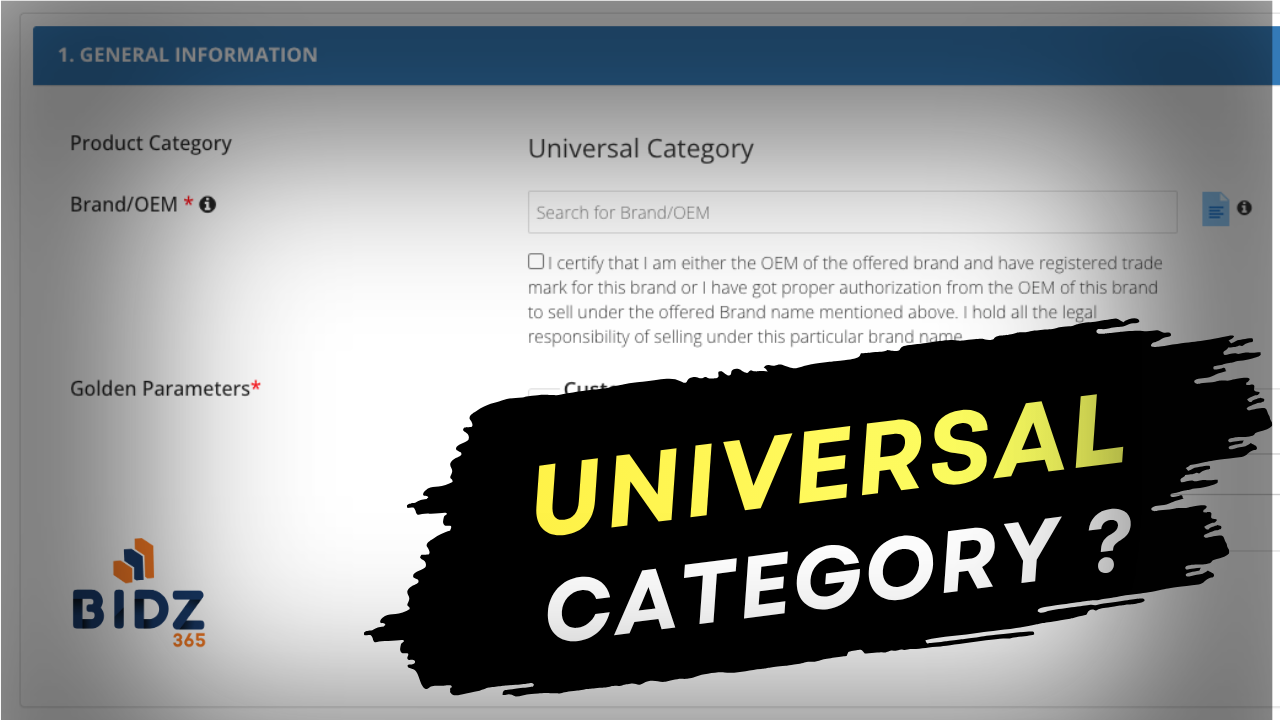
If you are a seller on GeM, the Universal Category is important because it is often the only way to participate in a custom catalog-based bid. In such bids, sellers cannot directly quote unless they first upload a new product under Universal Category on GeM. This means that when a buyer floats a custom catalog bid, the seller must create the product listing first and then use that listing to quote in the bid.
What Is Universal Category on GeM?
Universal Category is a special product listing option on GeM that allows sellers to upload products that do not fit into an existing standard category. It is especially useful when the buyer needs a customized specification and the product is not already available in the regular catalog. For sellers, this is not just another listing option. It is the entry point for participating in certain custom catalog bids.
Why Sellers Need It for Custom Bids
In a custom catalog-based bid, the buyer defines specific requirements, and GeM expects sellers to create a matching product listing before quoting. If the seller has not uploaded the product in Universal Category, they generally cannot participate in that bid. So, the sequence is:
- Buyer publishes a custom catalog bid.
- Seller uploads the required product in Universal Category.
- Seller choose that product in bid participation.
- Seller then participates in the bid.
Without step 2, bidding is usually not possible.
Don’t have time to handle GeM listings and bids? We’ll manage your product uploads, Universal Category creation, and bid participation so you can focus on your business. Contact Us
How the Process Works for Sellers
The workflow for sellers is usually simple but must be followed carefully:
- Log in to the GeM seller account.
- Go to the bid participation page
- You can see an upload new product option during catalog selection
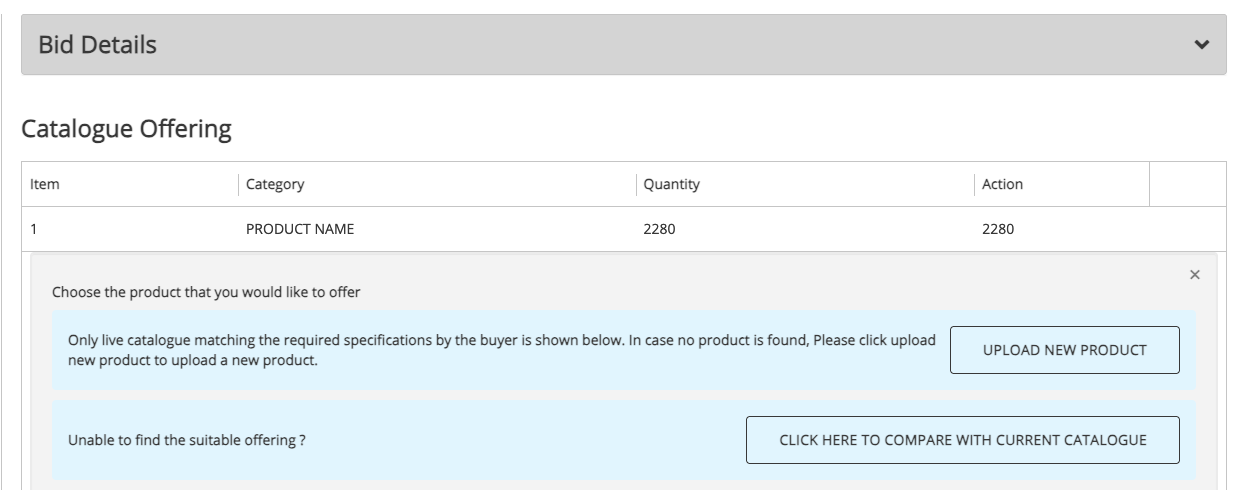
- A new catalog upload section will be open
- Enter the required product details and specifications.
- Upload supporting documents, if needed.
- Save and publish the product.
- Choose that newly created product to quote in the custom catalog bid.
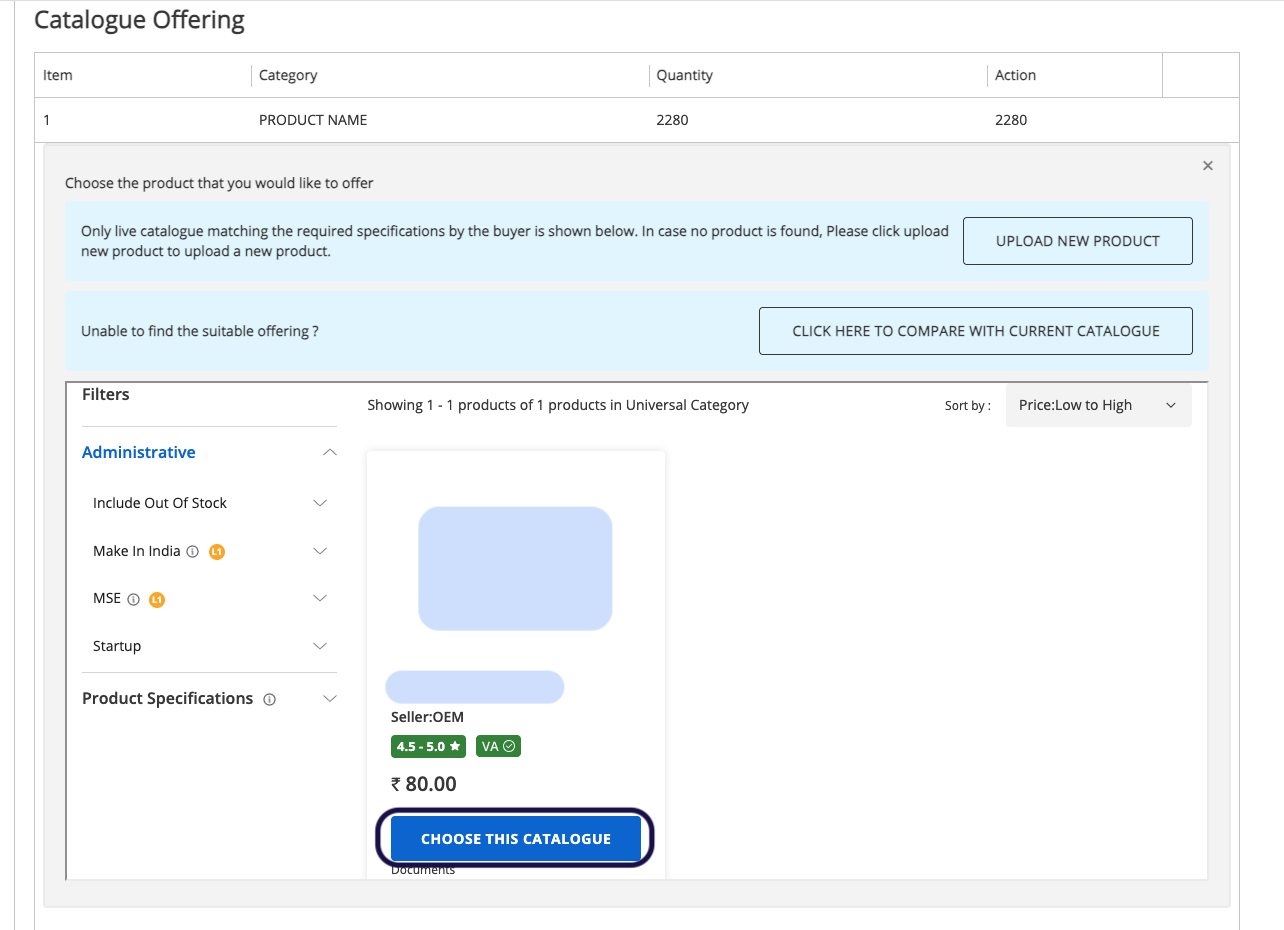
This step is critical because the bid quote is tied to the product listing created under Universal Category.
Important Points for Sellers
Sellers should keep a few things in mind:
- You cannot skip product creation and directly quote in a custom catalog-based bid.
- The Universal Category listing must match the bid requirement as closely as possible.
- Product details should be accurate, complete, and supported by proper documents.
- If the bid has specific technical parameters, the uploaded product should reflect them correctly.
- Once a catalog is published, you cannot choose it for another bid participation.
Best Practices for Sellers
To avoid missing opportunities, sellers should:
- Keep product data ready in advance.
- Check bid requirements carefully before uploading.
- Ensure specifications, model details, and documents are consistent.
- Create the Universal Category listing as soon as a relevant bid appears.
- Monitor GeM regularly for custom catalog opportunities.
Conclusion
For GeM sellers, the Universal Category is the gateway to custom catalog-based bidding. If a buyer publishes a custom catalog bid, you generally cannot quote unless you first upload the product in Universal Category.
So, if you want to participate in these bids, make sure your product is listed properly before you attempt to submit the quote.